
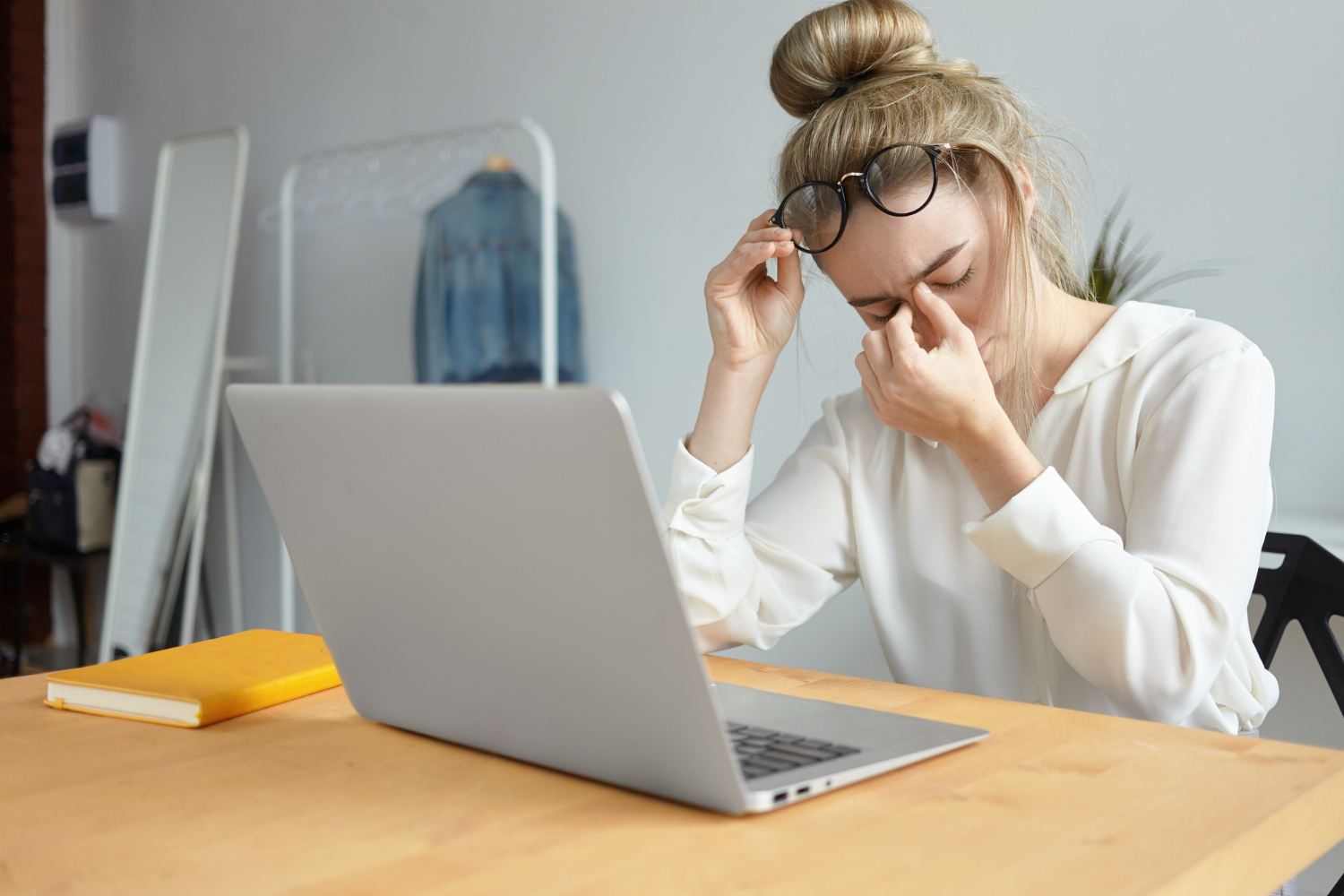
Spending long hours in front of screens has become a daily routine, but it comes with hidden consequences for your eyes. Computer vision syndrome and digital screen strain are now common issues affecting people of all age groups. From blurred vision to headaches, these problems can reduce productivity and comfort. Understanding how screen usage impacts your eyes is the first step toward prevention. With simple lifestyle changes and awareness, you can protect your vision and maintain long-term eye health effectively.
Digital Screen Strain refers to a group of eye and vision-related problems caused by prolonged use of computers, smartphones, and other digital devices. It affects focus, comfort, and overall visual efficiency. Ignoring early signs can lead to persistent discomfort and reduced performance. Understanding its importance helps you take preventive action before symptoms worsen.
Early computer eye strain symptoms usually begin with mild discomfort that many people tend to ignore. You may feel dryness, irritation, or slight blurring after working on a screen for long hours. As strain increases, symptoms can include headaches, sensitivity to light, and difficulty focusing on objects. Some individuals also experience watery eyes due to dryness. Neck and shoulder pain may accompany these symptoms due to poor posture. Recognizing these early signs allows you to take corrective steps before the condition becomes more severe.
Prolonged exposure to screens forces your eyes to continuously adjust focus, which leads to fatigue over time. The reduced blink rate during screen use causes dryness and irritation, making your eyes feel uncomfortable. Continuous strain affects the muscles responsible for focusing, leading to blurred vision. Digital screens also emit light that can disturb natural eye function. Over time, this repeated stress can reduce visual clarity and efficiency. Taking regular breaks and managing screen time is essential to prevent long-term damage and maintain healthy eyesight.
Modern digital habits are a major contributor to increasing vision problems worldwide. People spend hours on multiple devices without giving their eyes enough rest. Late-night screen usage under poor lighting conditions adds to the strain. Constant switching between devices forces your eyes to adjust rapidly, increasing fatigue. Lack of awareness about proper screen usage further worsens the issue. Over time, these habits can lead to chronic discomfort and reduced productivity. Making conscious changes in daily routines can significantly improve eye health and reduce strain.
Digital eye strain is not caused by just one factor but a combination of multiple elements. Screen brightness, posture, lighting, and device usage patterns all contribute to the problem. Identifying these causes helps you address them effectively. Once you understand the triggers, it becomes easier to adopt healthier habits and reduce strain.
Blue light emitted from digital devices can contribute to eye discomfort and fatigue when exposure is prolonged. It penetrates deep into the eyes and may affect the natural sleep cycle by reducing melatonin production. This can lead to poor sleep quality, which further impacts eye recovery. Continuous exposure may also increase sensitivity and irritation. Although not entirely harmful, excessive blue light can worsen strain symptoms. Using filters, reducing nighttime exposure, and adjusting screen settings can help minimize its impact on your eyes.
Improper posture and incorrect screen positioning can significantly increase eye strain. When your screen is too close or too far, your eyes have to work harder to maintain focus. Slouching or leaning forward puts additional pressure on your neck and shoulders, indirectly affecting your visual comfort. Misalignment between your eyes and screen causes continuous adjustment, leading to fatigue. Maintaining a proper sitting posture and positioning your screen at eye level can reduce unnecessary strain and improve overall comfort during extended screen use.
Lighting plays a crucial role in how your eyes respond to screen usage. Poor lighting conditions, whether too dim or too bright, can increase strain significantly. Glare from screens or surrounding light sources forces your eyes to work harder to see clearly. Reflections on the screen can disrupt visibility and cause discomfort. Balanced lighting that matches your screen brightness helps reduce strain. Adjusting your environment and minimizing glare can make a noticeable difference in maintaining eye comfort throughout the day.
Reducing eye strain requires a combination of simple habits and awareness. You don’t need to completely avoid screens, but you must use them wisely. Small adjustments in your daily routine can make a big difference. Consistency is key when it comes to protecting your eyes from long-term damage.
If you want to know how to reduce eye strain, start with small lifestyle changes that are easy to implement daily. Taking short breaks between screen sessions allows your eyes to relax and recover. Blinking frequently helps maintain moisture and prevents dryness. Keeping your screen clean improves visibility and reduces effort. Proper sitting posture and a well-lit workspace also contribute to comfort. These simple habits may seem minor, but they play a significant role in reducing fatigue and improving overall eye health over time.
The 20-20-20 rule is a simple yet effective technique to prevent eye strain during prolonged screen use. Every 20 minutes, you should look at an object 20 feet away for at least 20 seconds. This allows your eye muscles to relax and reduces fatigue caused by continuous focusing. It acts as a reset mechanism for your eyes. Practicing this rule regularly can improve visual comfort and prevent long-term strain. It is easy to follow and highly beneficial for maintaining eye health in a digital environment.
Blinking is essential for keeping your eyes moist and comfortable, yet it decreases significantly during screen use. This reduction leads to dryness and irritation over time. Consciously increasing your blink rate helps maintain lubrication and prevent discomfort. Eye relaxation techniques, such as closing your eyes briefly or focusing on distant objects, can also provide relief. These methods help reduce tension and improve circulation around the eyes. Incorporating these practices into your routine ensures better eye comfort and reduces the impact of prolonged screen exposure.
Your environment plays a crucial role in determining how your eyes respond to screen usage. A well-organized workspace can significantly reduce strain and improve comfort. Small adjustments in lighting, positioning, and ergonomics can have a long-lasting impact on your eye health.
Proper screen settings are essential for minimizing eye strain during extended use. Your screen brightness should match the surrounding light to avoid excessive contrast. Maintaining an appropriate distance of about 20 to 28 inches from the screen helps reduce effort. Adjusting contrast settings improves readability and reduces the need for constant focusing. These small adjustments can make a big difference in visual comfort. Ensuring optimal screen settings allows your eyes to function more naturally and reduces fatigue over time.
Ergonomic adjustments focus on aligning your workspace to support your body and eyes. Keeping your monitor slightly below eye level ensures a natural viewing angle. A comfortable chair with proper back support helps maintain posture. Your feet should rest flat on the floor to reduce strain on your body. These adjustments not only improve physical comfort but also reduce eye fatigue. Over time, an ergonomic setup enhances productivity and prevents long-term discomfort associated with prolonged screen use.
Screen filters and anti-glare solutions help reduce reflections and improve visibility during screen use. They minimize the intensity of light reaching your eyes, making it easier to focus. These tools are especially useful in brightly lit environments where glare is common. Many devices also offer built-in features to reduce glare and adjust brightness automatically. Using these solutions can significantly improve comfort and reduce strain. Combining physical filters with proper settings provides a comprehensive approach to protecting your eyes.
Maintaining a healthy diet is essential for supporting your eye health. Nutrients play a vital role in protecting your eyes from strain and improving their ability to function effectively. A balanced diet can enhance your vision and reduce the impact of prolonged screen use.
Certain foods are particularly beneficial for maintaining healthy vision and reducing eye strain. Nutrients like vitamin A, omega-3 fatty acids, and antioxidants support eye function and protect against damage. Foods such as carrots, leafy greens, and fish provide essential nutrients that improve visual health. Including a variety of these foods in your diet ensures that your eyes receive proper nourishment. Consistent intake helps strengthen your vision and reduces the effects of prolonged screen exposure on your eyes.
Staying hydrated is crucial for maintaining eye comfort, especially during long hours of screen use. Proper hydration supports tear production, which keeps your eyes lubricated. Dehydration can lead to dryness, irritation, and discomfort. Drinking enough water throughout the day helps maintain moisture balance in your eyes. This simple habit can significantly reduce symptoms of strain. Keeping yourself hydrated ensures better eye health and improves your ability to focus on tasks without discomfort.
Supplements can provide additional support for eye health when dietary intake is insufficient. Nutrients like omega-3, lutein, and zinc are commonly found in eye health supplements. These components help reduce dryness and support visual function. However, supplements should not replace a balanced diet. Consulting a healthcare professional before using them ensures safety and effectiveness. When used correctly, supplements can complement your efforts to protect your eyes and maintain long-term visual health.
Using digital devices wisely is essential for preventing eye strain. While technology is unavoidable, adopting healthy habits can significantly reduce its impact. Managing your screen time and making smart adjustments can help maintain eye comfort.
Managing screen time is one of the most effective ways to reduce eye strain. Limiting unnecessary usage and taking regular breaks allows your eyes to recover. Setting boundaries, such as avoiding screens before bedtime, can improve both eye health and sleep quality. Being mindful of how often you switch between devices also helps reduce strain. Small changes in your daily routine can have a significant impact on your overall comfort and visual clarity.
Protective eyewear, such as blue light glasses, can help reduce glare and improve visual comfort during prolonged screen use. These glasses are designed to filter out certain wavelengths of light that contribute to strain. Screen filters also help minimize reflections and enhance clarity. While they are not a complete solution, they can be effective when combined with other preventive measures. Choosing the right protective tools can make a noticeable difference in reducing discomfort.
Night mode is a useful feature that reduces blue light exposure by adjusting the color temperature of your screen. This creates a warmer display that is easier on the eyes, especially in low-light conditions. Using this feature during evening hours can improve comfort and support better sleep. Adjusting font size and brightness also enhances readability. These simple changes help reduce strain and make screen usage more comfortable over extended periods.
Protecting your eyes from Computer vision syndrome and Digital Screen Strain requires awareness and consistent habits. By understanding the causes, recognizing symptoms, and making simple adjustments, you can significantly improve your eye comfort. Small changes in posture, screen settings, and daily routines can have a lasting impact. Taking care of your eyes today ensures better vision and overall well-being in the future.
It is a condition caused by prolonged use of digital devices, leading to discomfort and vision problems.
Take breaks, blink frequently, and adjust screen settings for better comfort.
Yes, they can reduce glare and improve comfort during screen use.
Book your appointment online or call our team directly.


